

TikTok LIVE Not Working? 9 Problems and What to Try
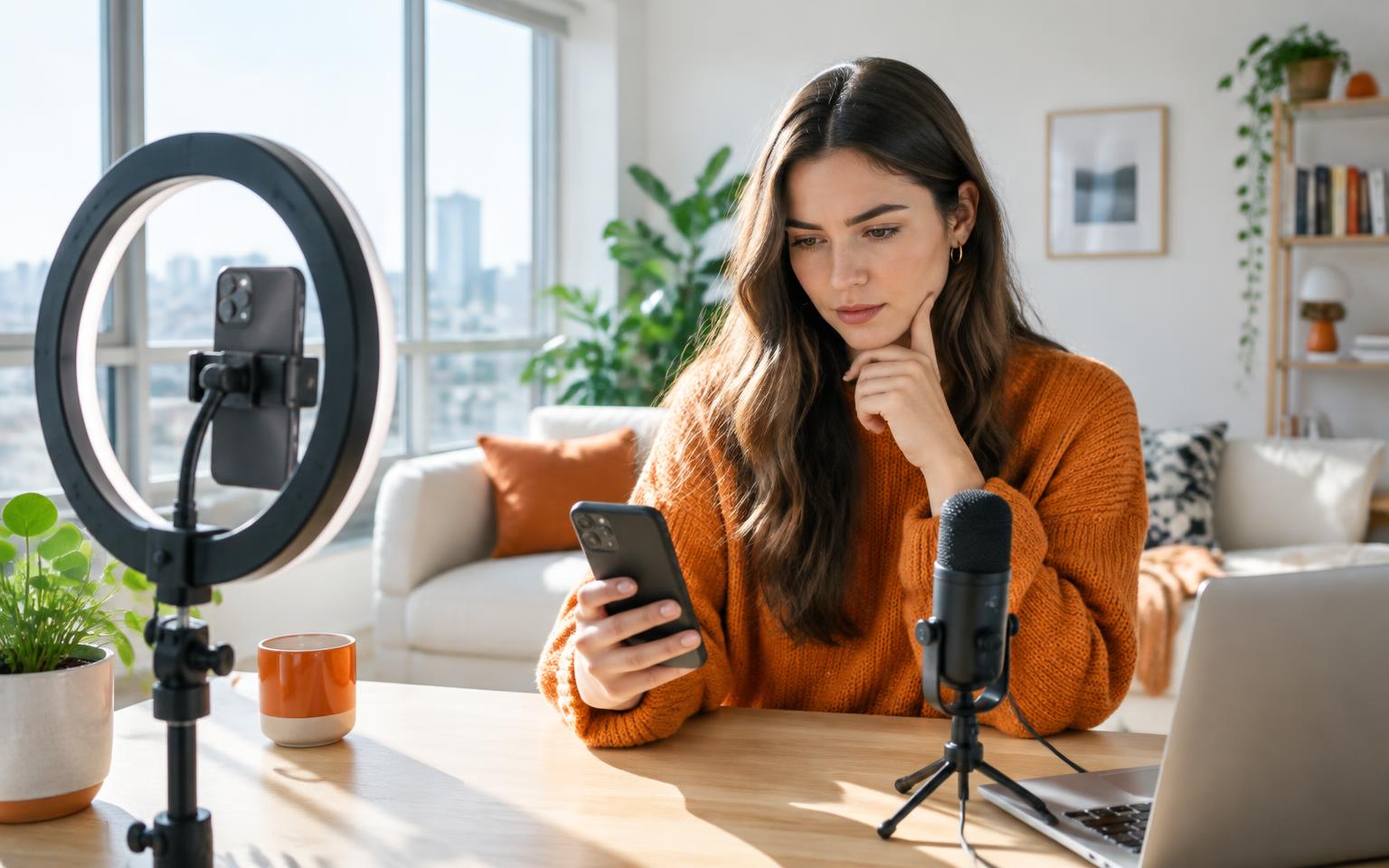
You have set up your phone, found a quiet corner and told people you are going LIVE. Then the LIVE option disappears, your microphone goes silent or the stream refuses to start. The right fix depends on which part failed. Restarting the app will not unlock an ineligible account; appealing a restriction will not repair a weak connection.
Start by identifying what you can actually see. These nine checks separate account access from device and connection problems, so you can spend your time on the likely cause rather than random fixes.
Key takeaways
- A missing LIVE option often points to eligibility, age or account access, not a broken phone.
- If LIVE opens but cannot see or hear you, check the phone's camera and microphone permissions.
- If a stream keeps disconnecting, test another connection before changing your whole setup.
- Desktop access to TikTok LIVE Studio may have separate eligibility conditions.
- For an account restriction, follow the notice and appeal through TikTok; nobody can promise an instant unlock.
First: is TikTok LIVE missing, or is the stream failing?
Tap the + button in TikTok and look for LIVE among the creation options. If it is not there, start with checks 1 to 3. If the option appears but something fails after you select it, move to checks 4 to 9. This distinction saves a surprising amount of time.
New to the interface? Our step-by-step guide to going live on TikTok walks through the phone setup before you troubleshoot it.
2. TikTok LIVE says you need to verify your age
An age prompt is an eligibility check, not a video problem. Follow the verification method TikTok presents in the app and supply genuine information. If TikTok decides you are under the hosting age or cannot confirm your age, repeatedly reinstalling will not change that decision. Read the notice carefully for any appeal option and timing.
Our guide to TikTok LIVE age requirements covers hosting, gifting and what to do if TikTok got your age wrong.
3. Your LIVE access has been restricted or suspended
If the app shows a restriction notice, start there: it should explain the affected feature and whether you can appeal. TikTok can restrict features following a policy violation. Open your account notifications and account status, then use the appeal route supplied with the decision. Keep a screenshot of the notice and state the facts rather than submitting repeated identical reports.
4. The camera is black or TikTok LIVE has no video
If LIVE opens but the preview is blank, check whether another app is using the camera. Then check your phone's system settings to make sure TikTok has camera access. Close and reopen TikTok after changing permissions and try the front and rear cameras. If your normal phone camera also fails, the problem may be with the device rather than LIVE.
5. Why is there no sound on my TikTok LIVE?
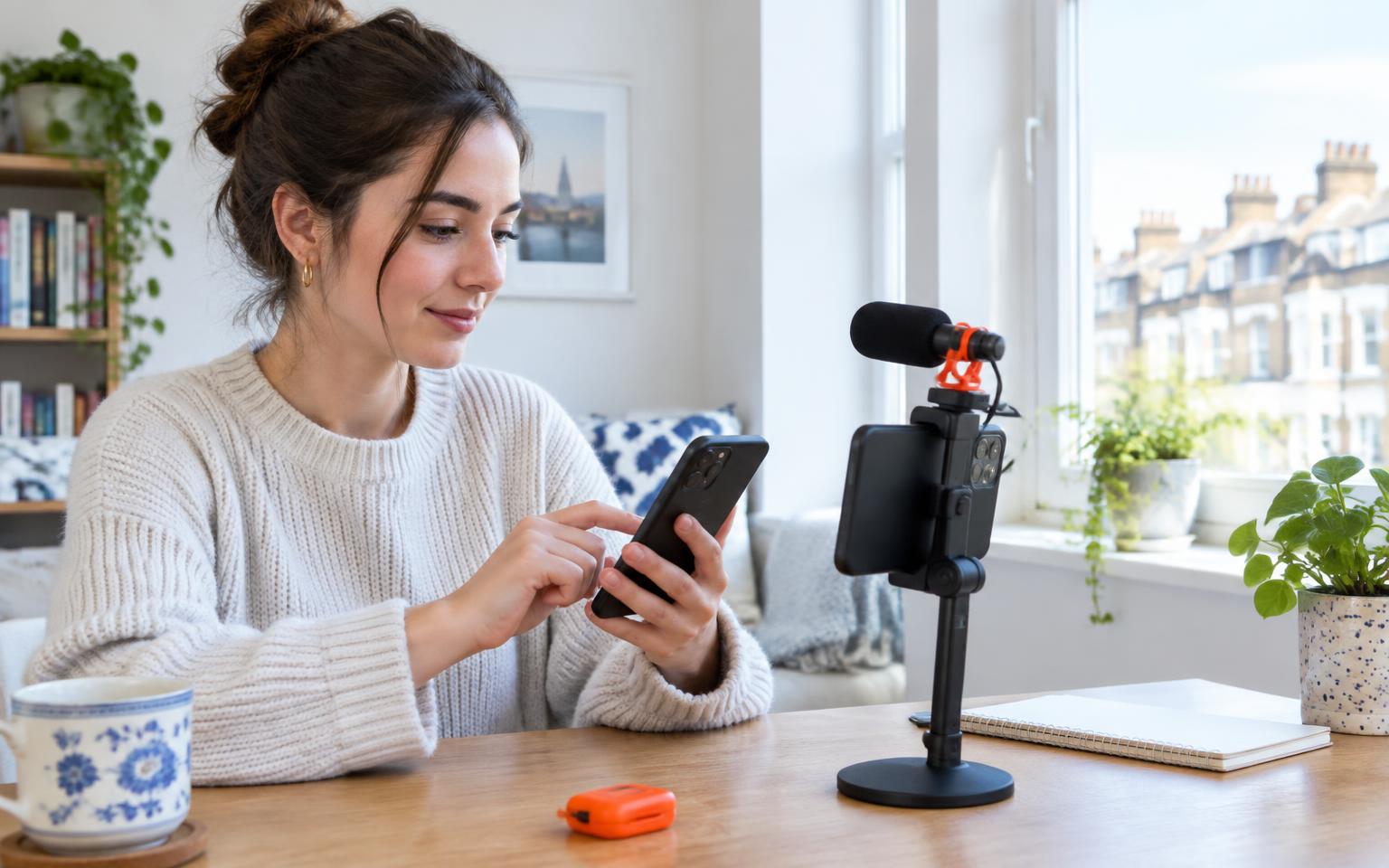
Start with the simplest test: record a short video in your phone's camera app and play it back. If that has sound, check TikTok's microphone permission in your phone settings, mute controls in the LIVE screen and whether Bluetooth headphones or an external mic are taking over input. Unplug accessories, restart the app and test again before buying new equipment.
On a computer, verify that LIVE Studio is listening to the microphone you intended, not a silent webcam mic. Watch the audio meter while you speak before starting a broadcast.
6. TikTok LIVE keeps freezing, buffering or ending
A connection that is good enough for scrolling may struggle with continuous upload. Move closer to your router, pause other heavy uploads and try mobile data if your plan allows it. If mobile data is more stable, investigate your Wi-Fi; if both fail, look for wider service trouble or a device issue. Avoid relying on a download-speed number alone: the stream needs a stable upload connection.
Run a short test stream when the connection has recovered. If you use LIVE Studio, its official troubleshooting guide is the next stop for desktop network checks.
7. TikTok LIVE opens but won't start
Try closing TikTok completely, reopening it and checking for an app update from your device's app store. Restart your phone if the start screen remains stuck. Check available storage and, if the app offers a cache-cleanup option, use that before considering a reinstall. A reinstall may require you to sign in again and can remove locally stored drafts, so check your drafts first.
If the problem happens across accounts and devices at the same time, check whether others are reporting a wider interruption. A public outage tracker can provide a clue, not a diagnosis: Downdetector's TikTok status page.
8. TikTok LIVE Studio won't let you go live
Being able to host on your phone does not always mean every desktop streaming option is available immediately. TikTok describes separate LIVE Studio access routes and eligibility checks. First sign in with the same account you use on your phone, check for an access message, then update LIVE Studio and test your camera, microphone and connection within the app.
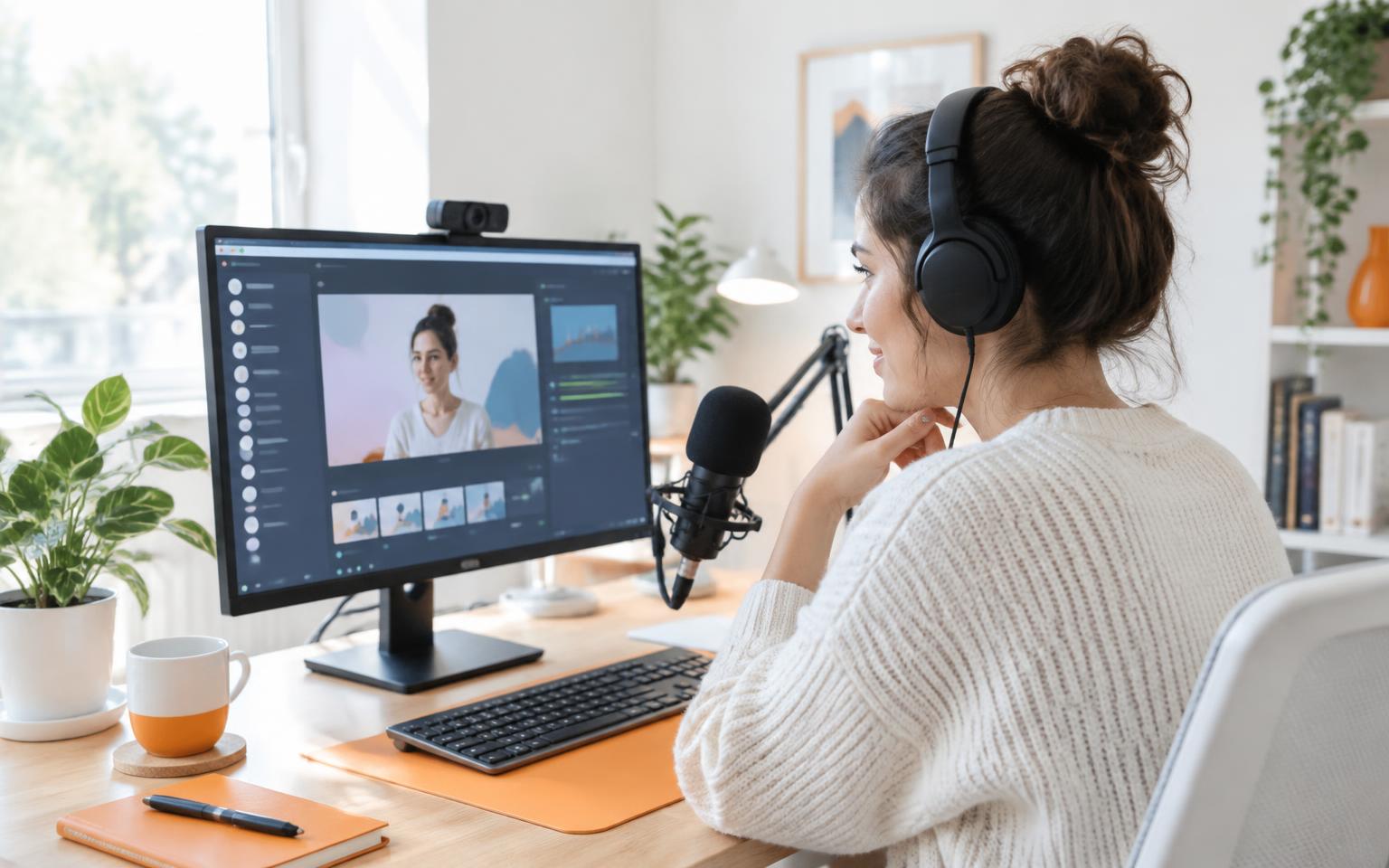
If access is the issue, follow TikTok's LIVE Studio access instructions; a new graphics card will not change account eligibility. If access exists but the feed is blank, use our TikTok LIVE on PC setup guide to check sources and capture devices.
9. Nothing worked: how to report a TikTok LIVE problem
In TikTok, go to Profile → Menu → Settings and privacy → Report a problem. Choose the closest LIVE topic, follow the suggested steps and use the option to say the issue is unresolved if you still need help. Include your device, app version, the exact error text, when it happened and what you have already tried. Never send passwords or verification codes to someone offering support in a direct message.
TikTok's report-an-issue instructions explain how to contact its support team. If you have a policy notice, use its appeal route rather than opening an unrelated technical ticket.
Getting on air is one step; building a room is the next. If you want a supportive TikTok LIVE creator network, dopa offers coaching, training and a community when you are ready to practise.
Frequently asked questions
- Why can't I go live on TikTok even though I have followers?
- A follower count alone does not guarantee access. TikTok also checks age, local eligibility and account standing. Check for an account notice and confirm you are signed into the right account.
- Why does TikTok LIVE keep disconnecting?
- A weak or unstable upload connection is one possibility. Compare Wi-Fi and mobile data, pause other uploads and test again; if both fail, check device and service status.
- Will reinstalling TikTok fix a LIVE restriction?
- No. Reinstalling may help an app glitch but cannot reverse a feature restriction or age decision. Use the appeal process shown in TikTok's notice.
- How do I fix a black screen on TikTok LIVE?
- Check camera access in your phone's system settings, close other apps using the camera and try the other camera. If the phone camera app is also black, investigate the device.
Sources
Keep reading
TikTok LIVE Explained: The Complete 2026 Guide
What TikTok LIVE is, who can host it, how Gifts and Diamonds work, and why brands and agencies are pouring money into livestreaming.
How to Go Live on TikTok: Step-by-Step Guide (Phone, PC and as a Guest)
The exact steps to start a TikTok LIVE from your phone or desktop, how to join someone else's stream as a guest, and what to do when the TikTok LIVE button is missing.