

TikTok LIVE Access: How to Get It, and What LIVE Studio Access Means
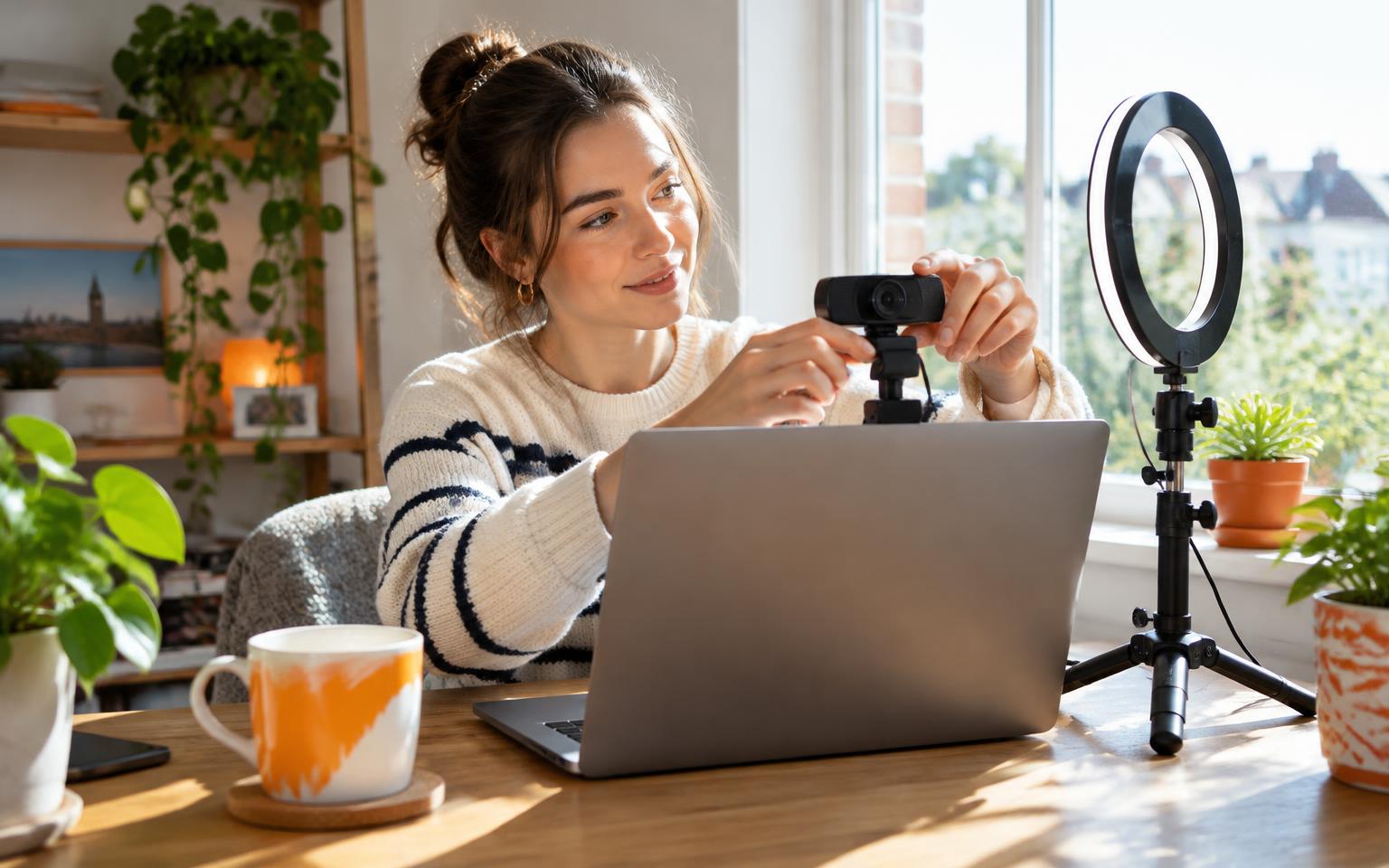
Search for TikTok LIVE access and you will find two very different questions mixed together. Some people simply want to know how to go LIVE at all. Others want access to TikTok LIVE Studio, the desktop software for streaming with cameras, microphones and screen capture.
TikTok uses the phrase LIVE access for the second one: the permissions needed to go LIVE on LIVE Studio. This guide explains what that means, how to check whether your account has it, how to apply, and where to go if you cannot go LIVE on your phone yet.
Key takeaways
- On TikTok, LIVE access officially means the permissions needed to use LIVE Studio, TikTok's desktop streaming software.
- Availability depends on account activity, region and platform policies. There is no single public threshold.
- You can check whether your account has access before applying.
- If you cannot go LIVE from your phone yet, that is a separate question with its own requirements.
- Never pay anyone who promises to unlock LIVE access for you.
What does LIVE access mean on TikTok?
TikTok describes LIVE access as the permissions required to go LIVE on TikTok LIVE Studio. With LIVE Studio access, creators can use TikTok's desktop LIVE tools to connect cameras and microphones, capture their screen and customise their LIVE setup (TikTok LIVE).
That is different from going LIVE in the TikTok app on your phone. If you are new to the platform, start with what TikTok LIVE is and our step-by-step guide to going LIVE first.
LIVE access vs going LIVE on your phone
| Going LIVE on your phone | LIVE Studio access | |
|---|---|---|
| Where | TikTok mobile app | TikTok LIVE Studio on desktop |
| What it gives you | Broadcast from your phone camera | Cameras, mics, screen capture, custom scenes |
| Main requirements | Age and follower thresholds | Account activity, region and policy checks |
| Best for | Most creators starting out | Gaming, multi-camera and studio setups |
Phone requirements are covered in two dedicated guides: how many followers you need to go LIVE and the TikTok LIVE age requirements. If you are under the follower threshold, read about going LIVE without 1,000 followers.
How to check if you have TikTok LIVE access
TikTok lets creators check whether their account already has access before applying. The simplest check is to install LIVE Studio, sign in with your TikTok account and see whether the Go LIVE option is available. If it is, you already have access.

How to apply for LIVE Studio access
- 01Download TikTok LIVE Studio from TikTok's official site.
- 02Sign in with the TikTok account you want to stream from.
- 03If Go LIVE is not available, follow the in-app prompt to apply for access.
- 04Keep your account active and within the Community Guidelines while TikTok reviews it.
Once you have access, our guide to setting up TikTok LIVE on PC walks through cameras, audio and scenes.
Why LIVE access varies from account to account
TikTok says availability may vary depending on account activity, region and platform policies. In practice, that means two creators with similar follower counts can get different answers. A consistently active account in good standing is your best position.
LIVE access denied? What to do next
If your application is not approved, keep posting, stay active and avoid Community Guidelines strikes, then check again later. If the problem is that LIVE will not start at all, read our guide to fixing common TikTok LIVE problems.

Once you have access: start building
Access is the start line, not the finish. The creators who grow are the ones who go LIVE consistently and build a community of regulars. Read how much you can earn on TikTok LIVE, then learn how TikTok Coins and Diamonds work.
TikTok also notes that LIVE Creator Networks support creators getting started. dopa is a TikTok LIVE creator network for UK creators, with coaching, training and a community that goes LIVE alongside you.
Frequently asked questions
- What is TikTok LIVE access?
- TikTok uses LIVE access to mean the permissions needed to go LIVE on TikTok LIVE Studio, its desktop streaming software. It is separate from going LIVE in the phone app.
- Why can't I go LIVE on TikTok?
- On your phone, the usual reasons are age, follower count or account restrictions. On LIVE Studio, access depends on account activity, region and platform policies. Our troubleshooting guide covers common errors.
- Do I need LIVE Studio to go LIVE?
- No. Most creators go LIVE from the TikTok app on their phone. LIVE Studio is for desktop setups with cameras, microphones or screen capture.
- How long does LIVE Studio access take?
- TikTok does not publish a fixed review time. Keep your account active and in good standing, and check again in LIVE Studio.
- Can an agency get me LIVE access?
- No one can unlock access for you. A TikTok LIVE agency can help you prepare, set up and grow, but access decisions are made by TikTok.
Sources
Keep reading
TikTok LIVE Explained: The Complete 2026 Guide
What TikTok LIVE is, who can host it, how Gifts and Diamonds work, and why brands and agencies are pouring money into livestreaming.
How to Go Live on TikTok: Step-by-Step Guide (Phone, PC and as a Guest)
The exact steps to start a TikTok LIVE from your phone or desktop, how to join someone else's stream as a guest, and what to do when the TikTok LIVE button is missing.